A third-party offline desktop edition based on the open-source OpenOCR project. Recognize Chinese and English text, formulas, and tables, then export TXT, Markdown, Word, or Excel. The runtime and models are included. Use the local engine offline, or configure an OCR API. Choose the build for your platform.
Choose a download
Windows edition
Windows 10/11, 64-bit Intel/AMD · v1.2.0 · 977.62 MB (932.33 MiB)
Baidu Netdisk · Code: uz7d
Mac edition
Apple Silicon (M-series), macOS 14 or later · v1.2.0 · 966.04 MB (921.29 MiB)
Version 1.2.0 retains the bundled OpenDoc offline engine and adds Excel tables and batch invoice summaries, shared general OCR API settings for the GUI and CLI, and external Agent templates. Word export preserves paragraph line breaks and uses left alignment.
Windows edition
Extract the ZIP and double-click OpenOCR. Version 1.2.0 exports standard tables to Excel and summarizes invoices in batches. Configure a general OCR API in the GUI or CLI, or use external Agent templates.
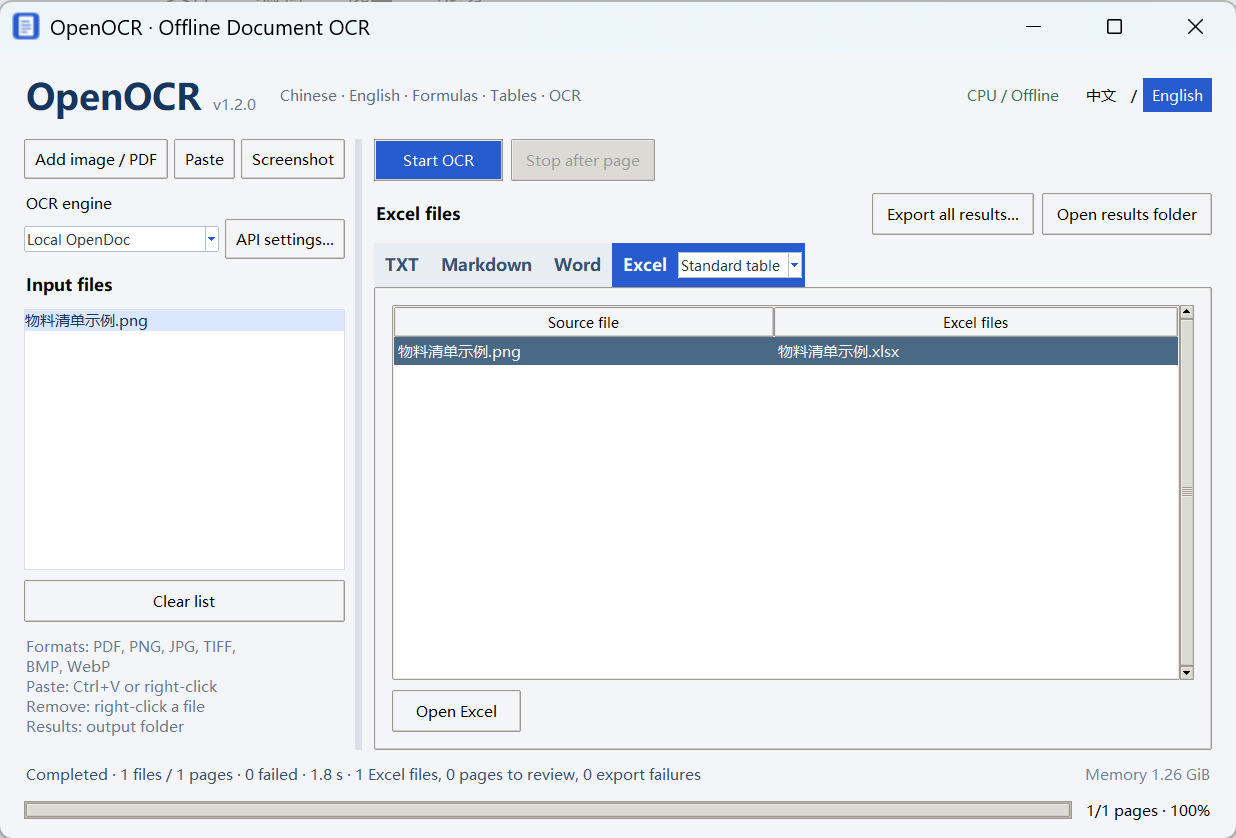
Using OpenOCR on Mac
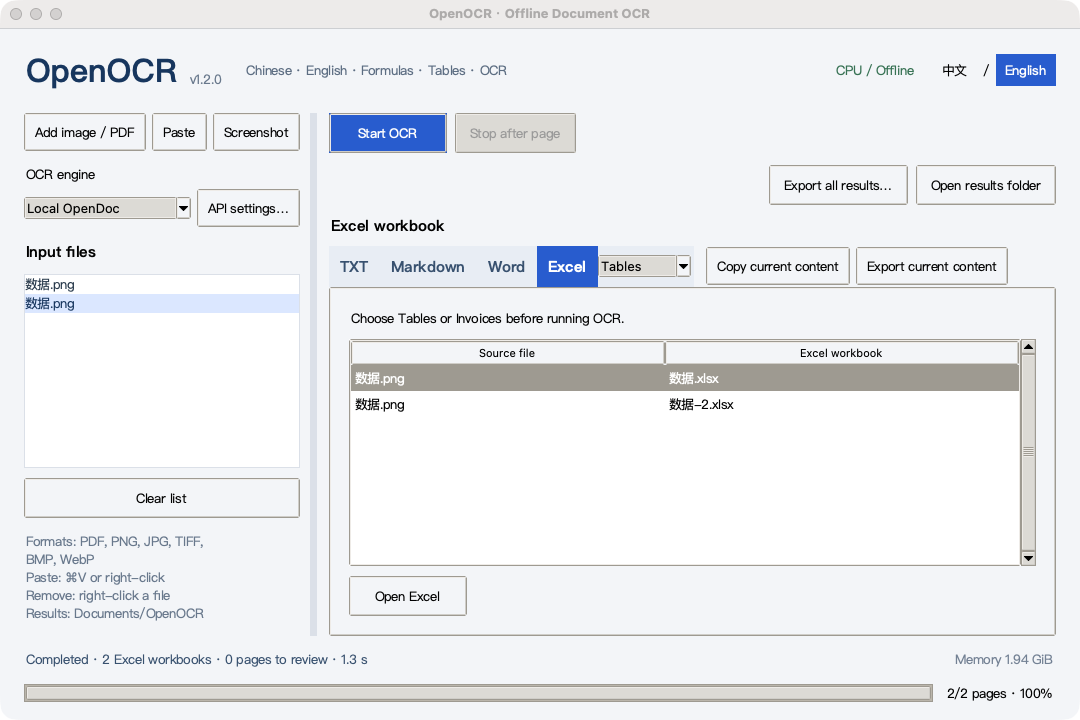
- Download and open the DMG.
- Double-click OpenOCR.app in the DMG, or move it to Applications or another folder first. If macOS blocks it, go to System Settings → Privacy & Security and click Open Anyway.
- Add an image or PDF and click Start OCR. Results are saved to
~/Documents/OpenOCR/by default.
Version history
- 1.0.0: Offline image and PDF recognition; TXT, Markdown, and Word export.
- 1.1.0: Faster local decoding, improved layout recovery and resume for long PDFs, and Agent command-line access.
- 1.2.0: Excel export for standard tables and batch invoice summaries, external Agent templates, and a general OCR API available in the GUI and CLI; fixes for paragraph line breaks and left alignment in Word.